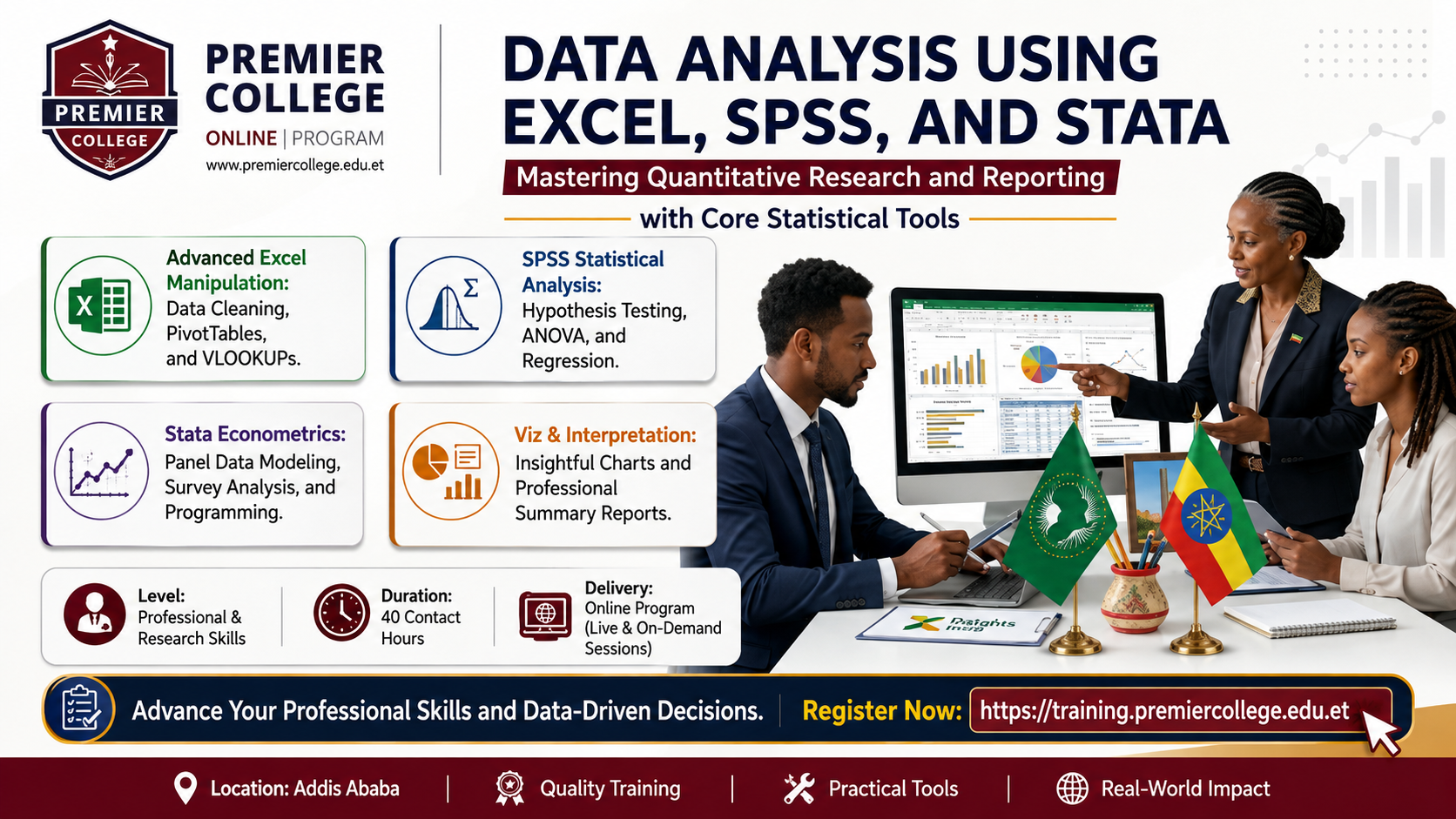
Data Analysis Using Excel, SPSS, and Stata
This course provides comprehensive training in data analysis using three major tools: Microsoft Excel, SPSS, and STATA. Participants will learn how to organize, clean, analyze, and interpret data for research, busines...
Course Overview
This course provides comprehensive training in data analysis using three major tools: Microsoft Excel, SPSS, and STATA. Participants will learn how to organize, clean, analyze, and interpret data for research, business decision-making, and project evaluation. The course emphasizes practical applications, statistical analysis, and interpretation of results for reporting and decision-making.
Key Learning Outcomes
- Import and manage data using Excel, SPSS, and STATA.
- Perform descriptive statistics (mean, median, standard deviation, etc.)
- Conduct hypothesis testing (t-test, chi-square, ANOVA).
- Perform correlation and regression analysis.
- Interpret statistical results correctly.
- Prepare professional data analysis reports.
Requirements
Participants must install:
- Microsoft Excel (2013 or later)
- SPSS (Version 20 or later)
- STATA (Version 13 or later)
Course Curriculum
-
Topics 1: Introduction to data analysis.
-
Topic 2: Types of data (qualitative vs quantitative).
-
Topic 3: Levels of measurement
-
Topic 4: Role of data analysis in research and business
-
Topic 5: Overview of Excel, SPSS, and STATA
-
Topic 6: Practical: Understanding datasets
-
Topics 1: Data entry and formatting.
-
Topic 2: Data cleaning techniques.
-
Topic 3: Sorting and filtering.
-
Topic 4: Using formulas and functions.
-
Topic 5: Descriptive statistics in Excel.
-
Topic 6: Data visualization (charts and graphs).
-
Topic 7: Pivot tables.
-
Topic 8: Practical: Analyze sample dataset.
-
Topic 9: Create charts and summary reports.
-
Topics 1: Introduction to SPSS interface
-
Topic 2: Data entry and variable definition.
-
Topic 3: Data cleaning.
-
Topic 4: Descriptive statistics.
-
Topic 5: Frequency distribution.
-
Topic 6: Crosstabs
-
Topic 7: Hypothesis testing:.
o t-test o Chi-square test o ANOVA
-
Topic 8: Practical: Analyze survey dataset.
-
Topics 1: Introduction to STATA interface.
-
Topic 2: Data import and management.
-
Topic 3: Descriptive statistics.
-
Topic 4: Regression analysis.
-
Topic 5: Correlation analysis.
-
Topic 6: Hypothesis testing
-
Topic 7: Practical: Regression analysis exercise.
-
Topics 1: Interpretation of results.
-
Topic 2: Writing data analysis reports.
-
Topic 3: Presenting findings.
-
Topic 4: Data visualization best practices
-
Topic 5: Practical: Final project
Student Voices

Sarah Jenkins
"The best investment I have made for my career. The flexibility allowed me to study while working full-time, and I secured a promotion two months after receiving my certificate."

David Chen
"The expert tutors provided invaluable real-world insights that you simply don't get in standard academic courses. Highly recommended for professionals."